
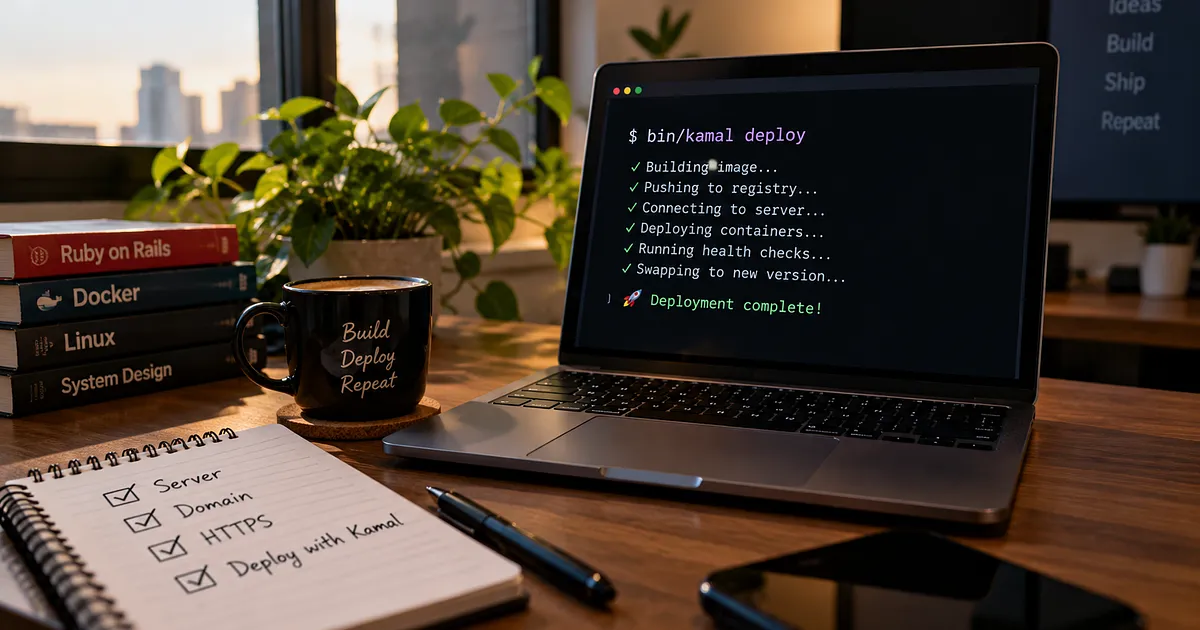
One command. Your own server. Your application, live on the internet.
Ever finished building a side project, only to realize that deploying it is almost as much work as building it? 😅
You need a server, a domain, HTTPS, Docker, configuration files, and a reliable way to deploy updates without breaking everything.
Platforms like Heroku and Render simplify deployment, but costs can add up as you host more applications. A VPS gives you more control, but configuring everything manually can turn a simple deployment into a weekend project.
What if you could deploy your application to your own server without managing every deployment step yourself?
Meet Kamal. 🚀
I've used Kamal to deploy my personal website, adarshmishra.fyi, and in this article, I'll explain what it does, how it works, and how you can get started.
🧠 What Exactly Is Kamal?#
Kamal is a deployment tool that helps you run applications on your own servers using Docker containers.
Think of it as a deployment assistant.
Instead of manually connecting to your server, pulling code, configuring containers, and restarting your application, you define your deployment settings and let Kamal coordinate the process.
You can deploy with a single command:
bin/kamal deployBehind the scenes, Kamal builds or prepares your application image, publishes it to a container registry, and deploys it to your server.
It also manages the proxying of traffic to your application and can configure HTTPS when your domain and server are set up correctly.
One important clarification: Kamal is not part of Rails itself. It's a separate tool that works with containerized applications. Rails 8 introduced Kamal as part of its default deployment setup, making it easier for new Rails applications to get started.
💡 Why Would You Use Kamal?#
Here are a few reasons developers choose it.
💰 1. Control your hosting costs
You pay for your server and any other services you use, rather than necessarily paying a separate platform fee for every application. Your actual costs depend on your hosting provider, resources, traffic, and supporting services.
🔐 2. HTTPS without manually managing certificates
Kamal's proxy can automatically obtain and renew TLS certificates when configured correctly. Your domain must resolve to the server, and the required ports must be accessible.
🚀 3. Deploy without taking the application offline unnecessarily
Kamal can start a new application version alongside the existing one and switch traffic after the new version becomes healthy.
This helps avoid downtime during deployments, although it doesn't guarantee zero downtime in every situation. Database migrations, application behavior, and infrastructure still matter.
🐳 4. Use Docker without building your own deployment system
Kamal uses containers to package and run your application. You don't need to build an entire orchestration platform just to deploy a small project.
And the best part? You retain control over your infrastructure.
⚙️ How Does a Kamal Deployment Work?#
Let's follow what happens when you run bin/kamal deploy.
Step 1 — 📦 Build the image
Your application and its required dependencies are packaged into a Docker image.
Step 2 — 📤 Publish the image
The image is pushed to the configured container registry so the server can access it.
Step 3 — 🖥️ Start the new version
Kamal connects to your server and starts the new application container.
Step 4 — 🩺 Check application health
The deployment process checks whether the new application is healthy using the configured health-check endpoint.
Step 5 — 🔀 Switch traffic
Once the new version passes the required checks, the proxy can direct traffic to it.
The result? Your application can move from one version to another without requiring you to manually stop everything and start again.
That's the real value of Kamal: it automates the deployment workflow while leaving the underlying infrastructure in your hands.
📝 The Most Important File: deploy.yml#
Kamal keeps much of your deployment configuration in:
config/deploy.yml
Here's a simplified example:
service: my_app
image: my_app

servers:
  web:
    - 203.0.113.10

proxy:
  ssl: true
  host: myapp.com
  app_port: 3000

registry:
  server: ghcr.io
  username: YOUR_GITHUB_USERNAME
  password:
    - KAMAL_REGISTRY_PASSWORD

env:
  secret:
    - RAILS_MASTER_KEY
Replace the example server IP, hostname, registry, and credentials with your actual values. The IP address shown above is reserved for documentation and isn't a real deployment target.
Here's what the main settings mean:
service— Identifies your application.image— Names the Docker image used for deployment.servers— Specifies where your application will run.proxy— Configures traffic routing and HTTPS.registry— Specifies where the application image is stored.env.secret— Identifies environment variables that should be supplied securely.
Notice that the example uses a container registry rather than assuming every deployment can publish images to localhost:5555. Your registry configuration must match your actual setup.
🔐 What About Secrets?#
Your Rails application may need sensitive values such as RAILS_MASTER_KEY and registry credentials.
Kamal supports storing these values in .kamal/secrets and referencing them from the deployment configuration.
For example:
# .kamal/secrets
KAMAL_REGISTRY_PASSWORD=$KAMAL_REGISTRY_PASSWORD
RAILS_MASTER_KEY=$RAILS_MASTER_KEY
The values on the right are read from your local environment when the secrets file is evaluated.
Never commit actual secret values to Git. Keep credentials out of source control and follow Kamal's documented secret-handling setup for your version.
🚀 Your First Deployment#
Ready to put your Rails application online?
Here's the general workflow.
1. Get a VPS
Choose a server running a supported Linux distribution, such as Ubuntu, and make sure you can connect to it over SSH.
2. Configure your domain
Create a DNS A record pointing your domain to the server's public IP address.
3. Configure Kamal
Update config/deploy.yml with your application name, server, registry, hostname, and other required settings.
4. Prepare production settings
Make sure your Rails production configuration, credentials, database connection, and environment variables are correct. If your application sits behind a TLS-terminating proxy, configure Rails to handle HTTPS appropriately.
5. Set up and deploy
For a standard Kamal setup, run:
bin/kamal setupThis prepares the server and performs the initial deployment. The exact prerequisites depend on your application and configuration.
For subsequent releases, you can generally run:
bin/kamal deployThat's the workflow: configure once, then use Kamal to coordinate future deployments.
🧰 Commands Worth Remembering#
Task | Command |
|---|---|
Deploy your application |
|
View application logs |
|
Open a Rails console |
|
Run a Rails task |
|
Release a stuck deployment lock |
|
A note about rollbacks: Kamal's rollback capabilities and commands depend on your installed version and deployment setup. Check the official documentation before relying on a particular rollback command in production.
Also, don't release a deployment lock blindly. First confirm that no active deployment is still running.
🛠️ Common Problems You'll Encounter#
Even with deployment automation, things can go wrong.
🔒 HTTPS isn't working
Check that your domain resolves to the correct server and that ports 80 and 443 are reachable. Also verify the proxy's SSL configuration.
🩺 The health check fails
Confirm that your application starts successfully, the configured application port is correct, and the health endpoint returns a successful response.
Rails applications commonly expose /up for health checks, but the endpoint must be reachable through your actual deployment configuration.
📦 The image cannot be pulled
Check registry credentials, image names, permissions, and whether the image was successfully published.
🔐 A deployment lock is already held
An earlier deployment may still be running or may have left a stale lock. Investigate the deployment state before releasing it.
These issues are usually easier to diagnose when you understand which part of the deployment pipeline is failing.
🤔 Is Kamal Right for You?#
Kamal can be a useful option if you want to deploy applications to your own infrastructure without building a deployment system from scratch.
It's worth exploring for:
🌱 Personal projects and developer portfolios.
🧪 Side projects and MVPs.
🏢 Small applications that need control over their hosting environment.
🐳 Teams comfortable managing Docker and their own servers.
However, owning the server also means owning its operational responsibilities: security updates, monitoring, backups, capacity planning, and disaster recovery.
Kamal automates deployment tasks. It doesn't eliminate the need to maintain your infrastructure.
🎯 Final Thoughts#
For me, the appeal of Kamal is simple: it makes deploying to your own server more approachable without taking control of that server away from you.
You don't have to build a complicated deployment pipeline just to put a personal project online.
You define the configuration, prepare your infrastructure, and let Kamal handle much of the repetitive deployment work.
And once your setup is in place, shipping the next version becomes a much more straightforward process.
Your application. Your server. Your deployment workflow. 🚀
If you're building a Rails application and want more control over where it runs, Kamal is worth a look.
📚 Further Reading#
✍️ Notes from beneath the surface
Exploring the tools, decisions, and hidden mechanisms behind the software we build.